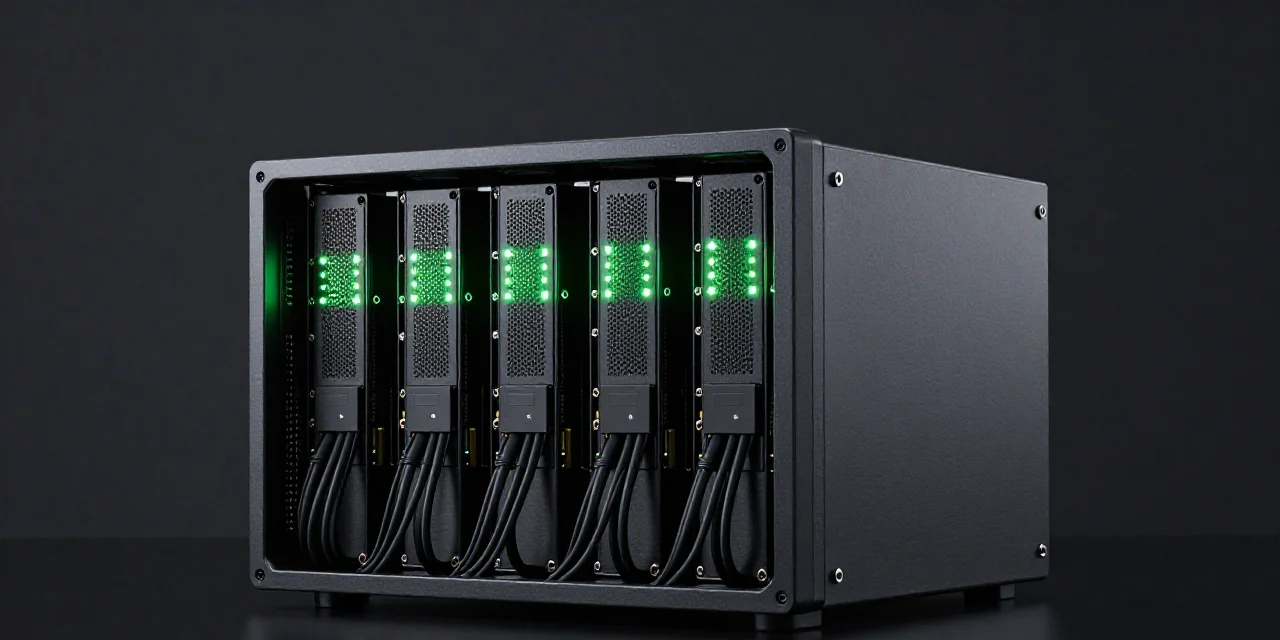
Rent a GPU server for machine learning when the run needs disk, checkpoints, and hours of uptime. A one-off image belongs on a task rental. Spec VRAM first: 24GB fits image work and 7B–8B inference; 80GB is the H100 and A100 class. Budget a 4090 at the $0.49/hr median.
01. When do you rent a GPU server instead of submitting a job?
Rent a server when the run must resume on storage you control.
Checkpoints, datasets, and a shell are the reason a server exists. A training run that spans the night writes state it cannot afford to lose, and that state has to land on a disk that outlives any single session. If the defining feature of your job is "it must resume," you are shopping for a server, not a card.
Submit a task when you need an image or a short video back.
A wiped disk is acceptable there — the output is the deliverable, and the machine's afterlife is irrelevant. That is the wrong default here. A training run whose machine vanishes at hour six takes its progress with it, and the second attempt bills at full price.
The how-to guide covers the short job.
If your work is a render queue, a batch of images, or a one-shot fine-tune that fits in an afternoon, rent a GPU for a shorter AI job and stop the meter when the files land. This page stays on servers: runs measured in hours or days, where storage is part of the specification.
02. What should the server include before you look at the hourly rate?
VRAM first, then disk, then the link between cards.
A cheap hour with no room for the checkpoint is a failed run. The spec order that works: confirm the model and its training state fit in the card's memory, confirm the disk holds the dataset plus every checkpoint you will write, and only then look at interconnect — which matters when the job spans more than one card.
24GB is a real server for small trains and for 7B–8B work.
A 3090 or 4090 server handles fine-tunes and inference on models up to the 7B–8B class, LoRA runs, and most vision training. It is not a 70B server: weights of that size do not fit in 24GB no matter how the hour is priced. Match the card to the model file, not to the job title.
80GB is the H100 and A100 server class.
When the weights or the batch genuinely need about 80GB, you are in H100 territory — the Vast.ai H100 SXM median is $3.06/hr. Price a 4090 at the $0.49/hr median and decide which card the server needs before you pay for the wrong one.
A100 still has no verified hourly price in this plan.
Treat the live listing as the A100 price. This guide prints no A100 dollar figure; live listing only.
03. How long a machine are you actually buying?
Write the expected wall-clock hours next to the median.
Ten hours at the 4090 median of $0.49 is $4.90. Ten hours at the H100 median of $3.06 is $30.60. The per-hour number means nothing until it is multiplied by the run length you actually expect — and by the restart margin you should assume, because first attempts rarely survive untouched.
Interruptible capacity fits only a run that resumes.
A takeover without a checkpoint bills you twice: once for the hours lost, once for the hours repeated. On a server with working checkpoint storage, an interruptible listing is a discount. Without it, the same listing is a lottery where you hold the losing ticket.
A cluster comes after one card fails the memory test.
"Rent gpu cluster" is the search box talking, not the workload. The right sequence is one card with the right VRAM; only when a single 80GB card cannot hold the run do you start paying for interconnect, multi-GPU scheduling, and the extra failure modes of a distributed job.
What to rent, by job
| Job | Server you rent | Price to budget | Storage |
|---|---|---|---|
| Image or short video | Not a server. Task rental | 4090 median $0.49/hr, then stop | Download the file; disk can die |
| Small train, fits in 24GB | 3090 or 4090 server | $0.17 or $0.49 median | Checkpoint off the instance |
| Train that needs ~80GB | H100 SXM, or A100 after a live check | H100 median $3.06/hr; A100 unpriced here | Checkpoint off the instance |
| Needs several datacenter GPUs | The card comparison first | Do not open a cluster filter first | A plan for the link, not just the count |
04. How do you keep a preempted or wiped server from deleting the run?
Write checkpoints to storage that survives the instance.
The server's own disk is not that storage until the provider says so in the offer. Instance storage, ephemeral volumes, and "local NVMe" listings can all mean the disk leaves with the machine. Checkpoint to object storage or a persistent volume you provisioned yourself, and confirm the restore path before the run, not after the outage.
Ephemeral-by-design products are a mismatch for this job.
SpareHive's plan is task-based image and video work with ephemeral storage, not a persistent training server. A multi-hour train that needs checkpoints belongs on a server you can store to. Join the waitlist at sparehive.com only if your work is image and video.
Test a resume once, on a short run, before the weekend job.
Kill the process mid-epoch, restore from the latest checkpoint, and confirm the run continues where it left off. A backup you have not restored is a wish, and the weekend-long job is the wrong place to discover the checkpoint path was wrong.
05. Which line items make a "cheap server" expensive?
Setup hours, idle hours, and a card class above the model.
The three costs from the short-job guide, on a longer clock. A server billed hourly charges for the environment you configure, the hours you sleep through, and the 80GB you booked for a 24GB job. Over a multi-day run each of these is small; summed, they can exceed the rental rate itself.
Egress and dataset staging.
Moving a dataset in and moving results out can carry separate charges, and they are quoted per gigabyte where they exist at all. We do not print a per-GB price because providers differ; the instruction is to count them before you celebrate an hourly rate, on the provider's own pricing page.
A floor listing that disappears at start time.
Budget the 4090 server at the $0.49 median, not the $0.14 floor. A multi-day run planned on a floor listing is a plan to either overpay mid-run or restart on different hardware — and a restart on day two of a five-day train is the most expensive line item in this guide.
06. What do you do on day one?
Pick the row in the table, then open the comparison if the row says 80GB.
The table above resolves most decisions: task rental for media, a 24GB server for small trains, the 80GB class — H100 SXM at a $3.06/hr median — when the weights demand it. The card comparison linked in section 02 settles A100-versus-H100 and the "do I really need datacenter hardware" question.
Put a stop time on the calendar equal to the checkpoint time.
A server with an expected end needs an actual end. Schedule the stop for when the final checkpoint lands, the same way you would schedule the download on a short job. The forgotten server is the training equivalent of the forgotten instance — except the bill runs to days, not hours.
Leave SpareHive's waitlist to image and video work.
The task product described in section 04 is not the product for your training run. Book a server from a marketplace that offers persistent storage for that.
FAQ
Is a GPU server the same as renting a GPU for AI?
No. A server is for runs that need a disk, a shell, and checkpoints. A task rental fits a finished image or short video and can wipe the machine afterward.
How much server do I need for machine learning?
24GB if the run fits, budgeted at a 4090 median of $0.49/hr or a 3090 median of $0.17/hr. About 80GB when the weights do not fit, which is H100 territory at a $3.06/hr median.
Will SpareHive host a training server?
No. The plan is task-based image and video with ephemeral storage. A train that must resume needs storage you control, on a server product built for that.
Should I rent a GPU cluster?
After one card with the right VRAM still cannot hold the job. A cluster filter is not the first search.